Install Concise in two commands.
Choose your coding agent. The 3 core checks work without an account or a configuration file.
Choose your agent.
Run the 2 commands for your host. Review the hooks, then follow the session or reload instructions of your host.
Read the installation guide/plugin marketplace add https://github.com/yannelli/be-concise
/plugin install concise@be-conciseReview the hooks and choose an installation scope. If the install summary tells you to, run /reload-plugins.
codex plugin marketplace add yannelli/be-concise
codex plugin add concise@be-concise
Start a new session. Run /hooks. Review and trust each Concise hook under PreToolUse and Stop.
omp plugin marketplace add yannelli/be-concise
omp plugin install concise@be-concise
Start a new omp session. omp loads the hooks when a session starts, so /reload-plugins does not pick them up.
On your PATH: Git, Node.js, Bash, jq, realpath, and core Unix tools.
Make sure that it works.
- Open a scratch project in your agent.
- Tell the agent to write
concise-demo.jswith a comment of 3 lines. - Read the denial. The agent gets the same text and can shorten the comment.
- Delete the demo file.
Write concise-demo.js
// Read the input.
// Check the value.
// Return the result.
[concise] Comment at ~/code/billing-api/concise-demo.js:1 is 3 lines (limit 2). Trim it to the one non-obvious point, or put "concise-ignore" inside it if it is a genuine exception.After installation.
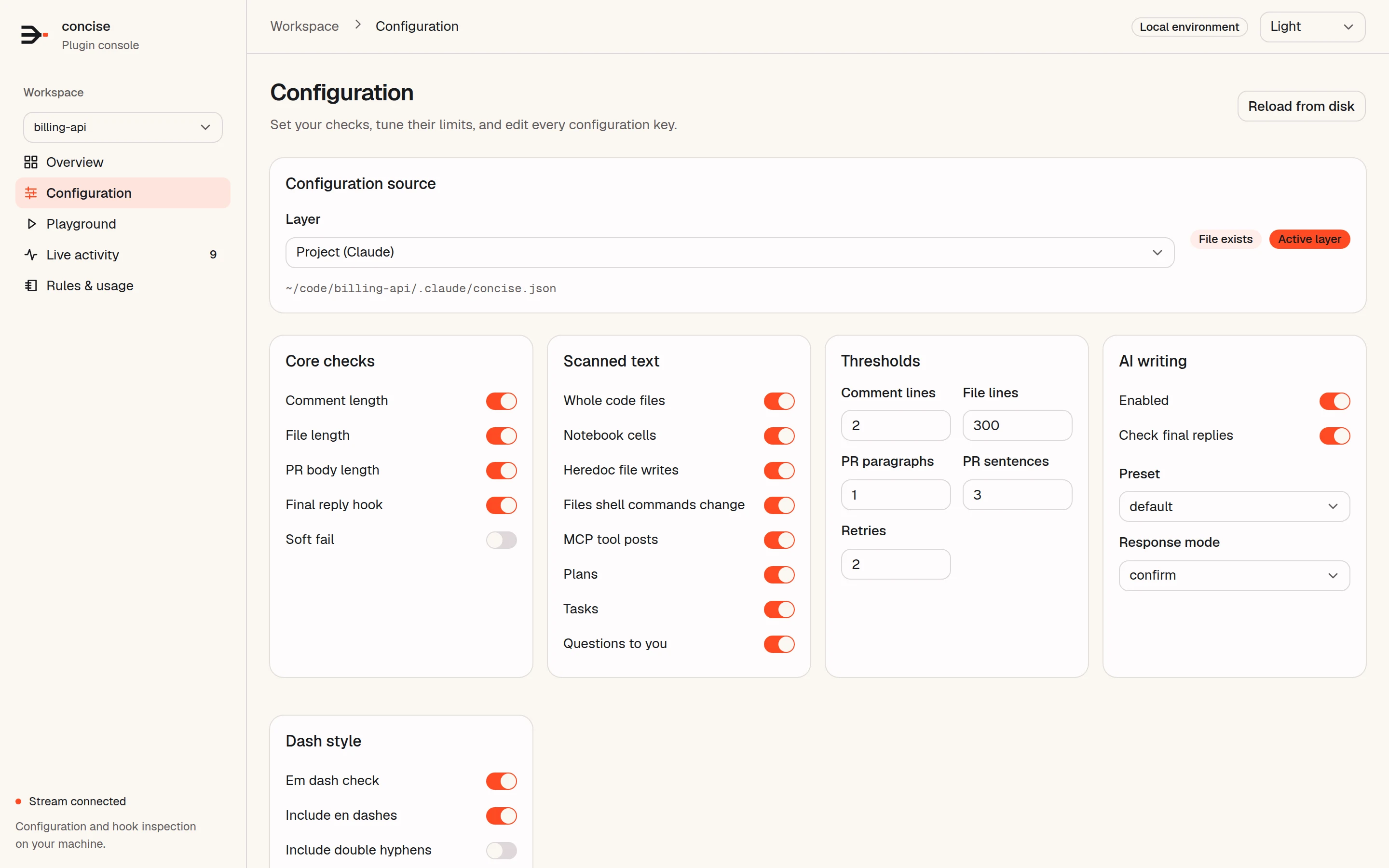
Keep the defaults, or set your own limits and optional writing checks.