Watch every hook call.
Inspect checks and change settings in your browser. concise-web runs in your terminal, not as a background daemon. These are real screenshots with 2 sample projects.
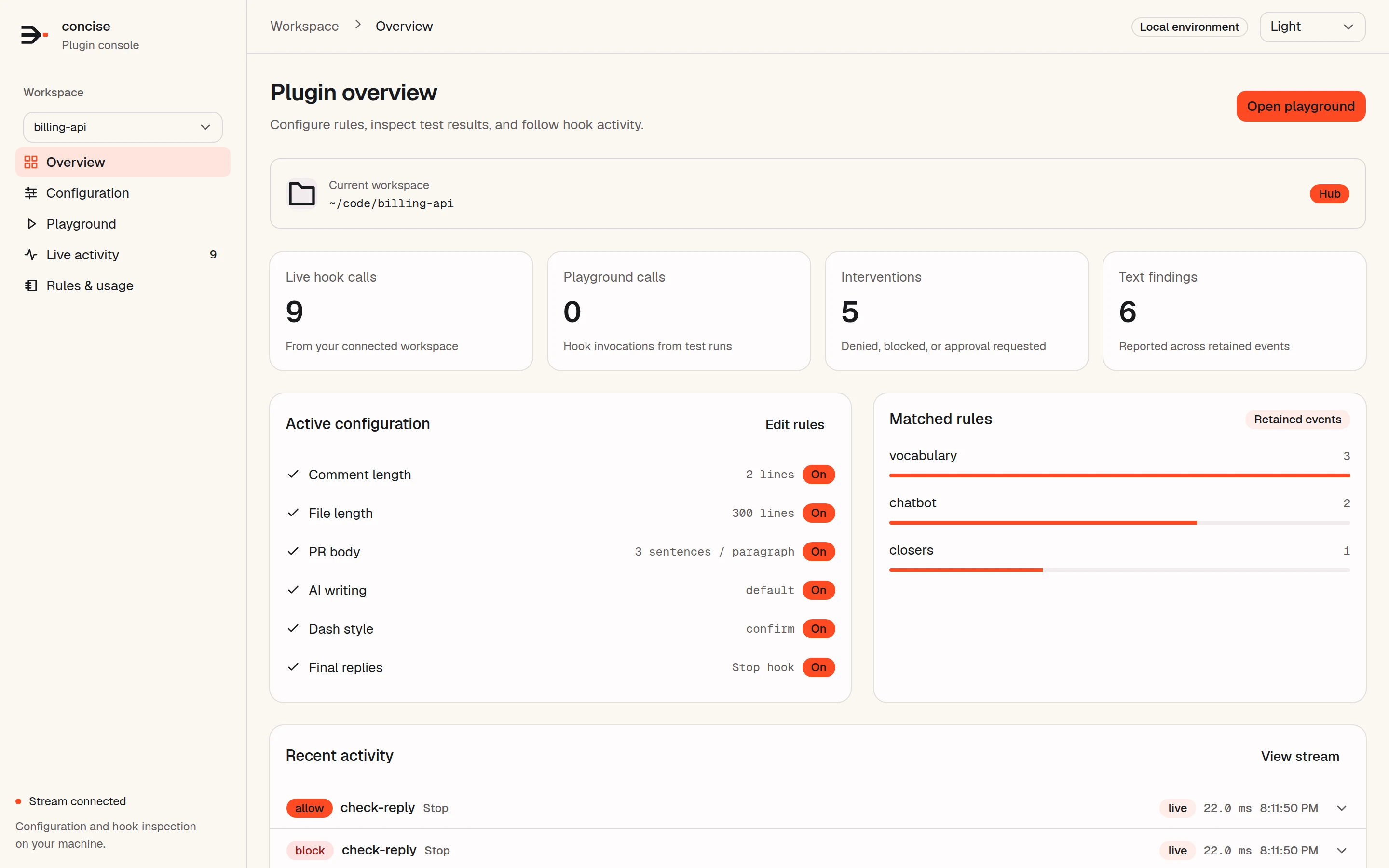
Overview
Hook calls, interventions, the active limits, and the rules that matched most, for each project.
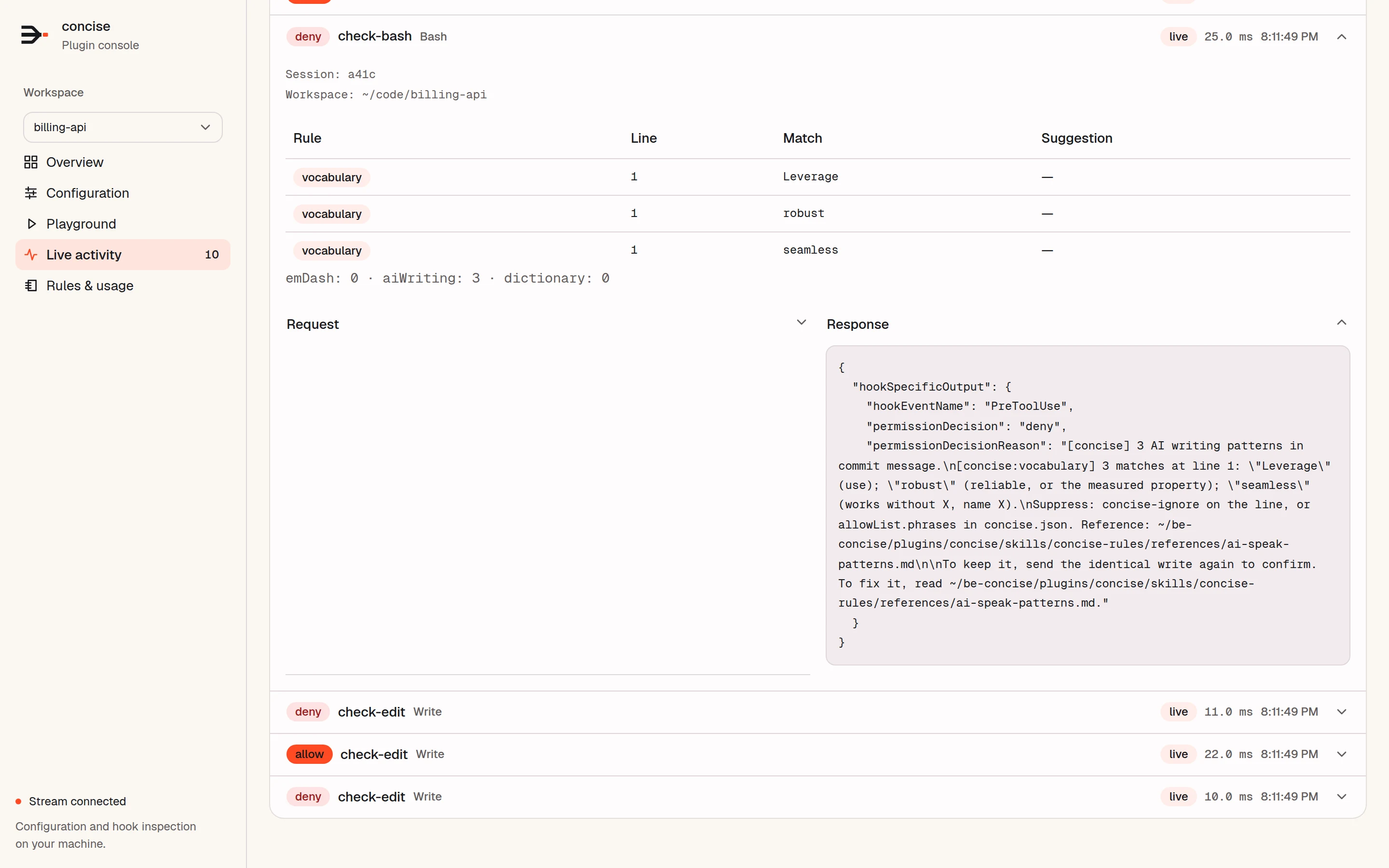
Live activity
Each hook call as it happens. Expand one to see the findings and the exact response your agent received.
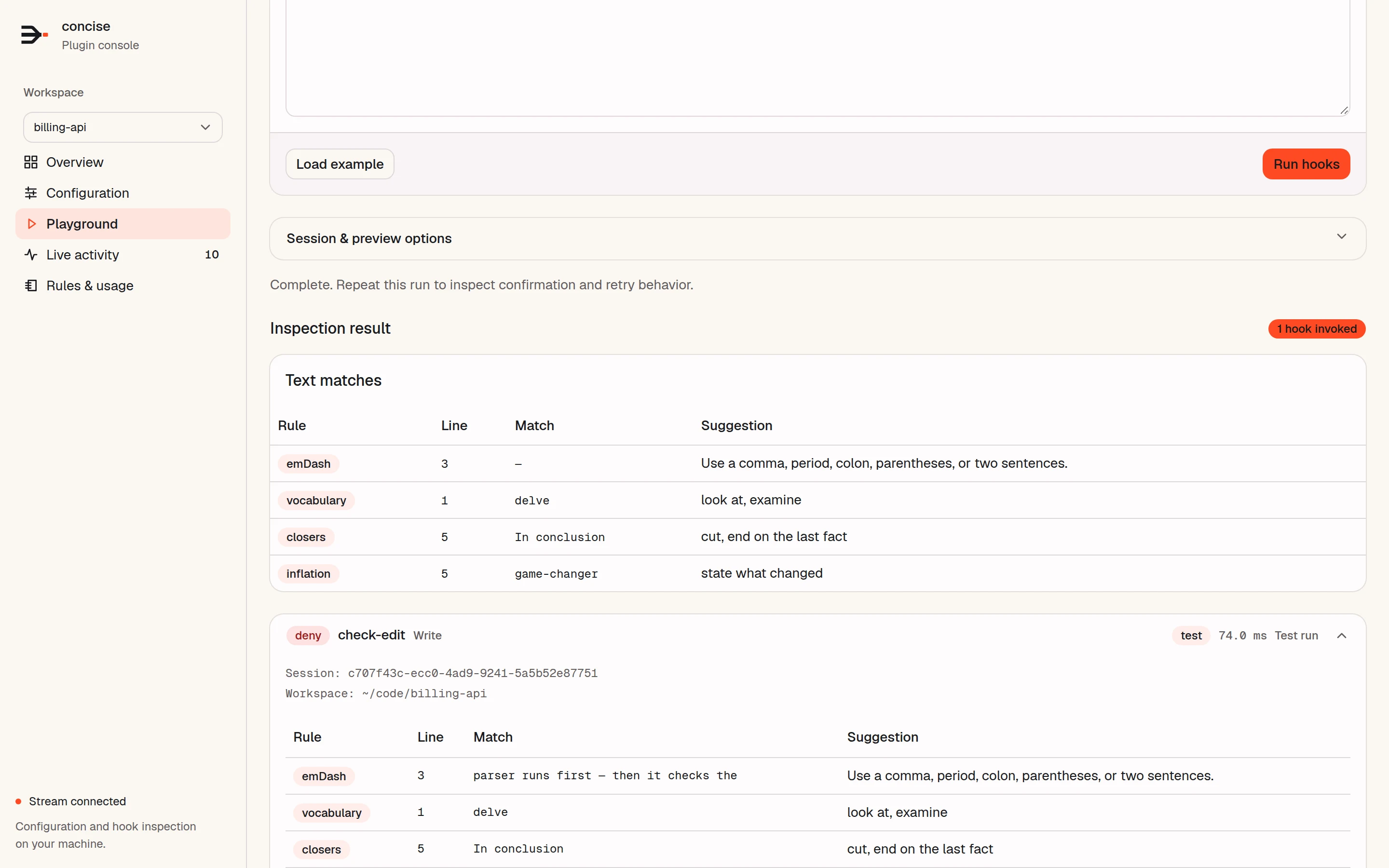
Playground
Paste text and run it through the real hooks. Each match comes with its rule, line, and suggested fix.
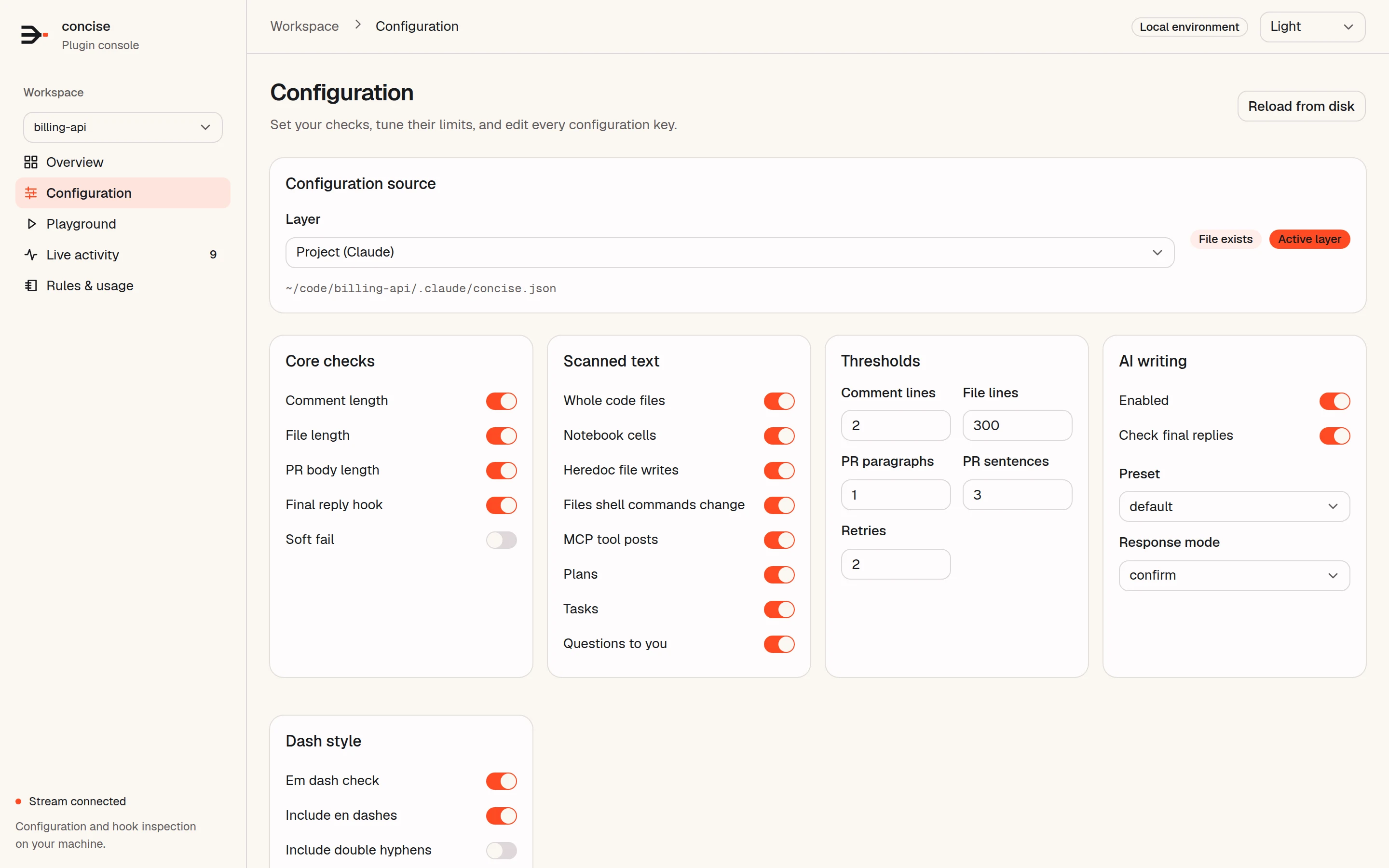
Configuration
Pick a configuration layer and change it with switches, numbers, or raw JSON.
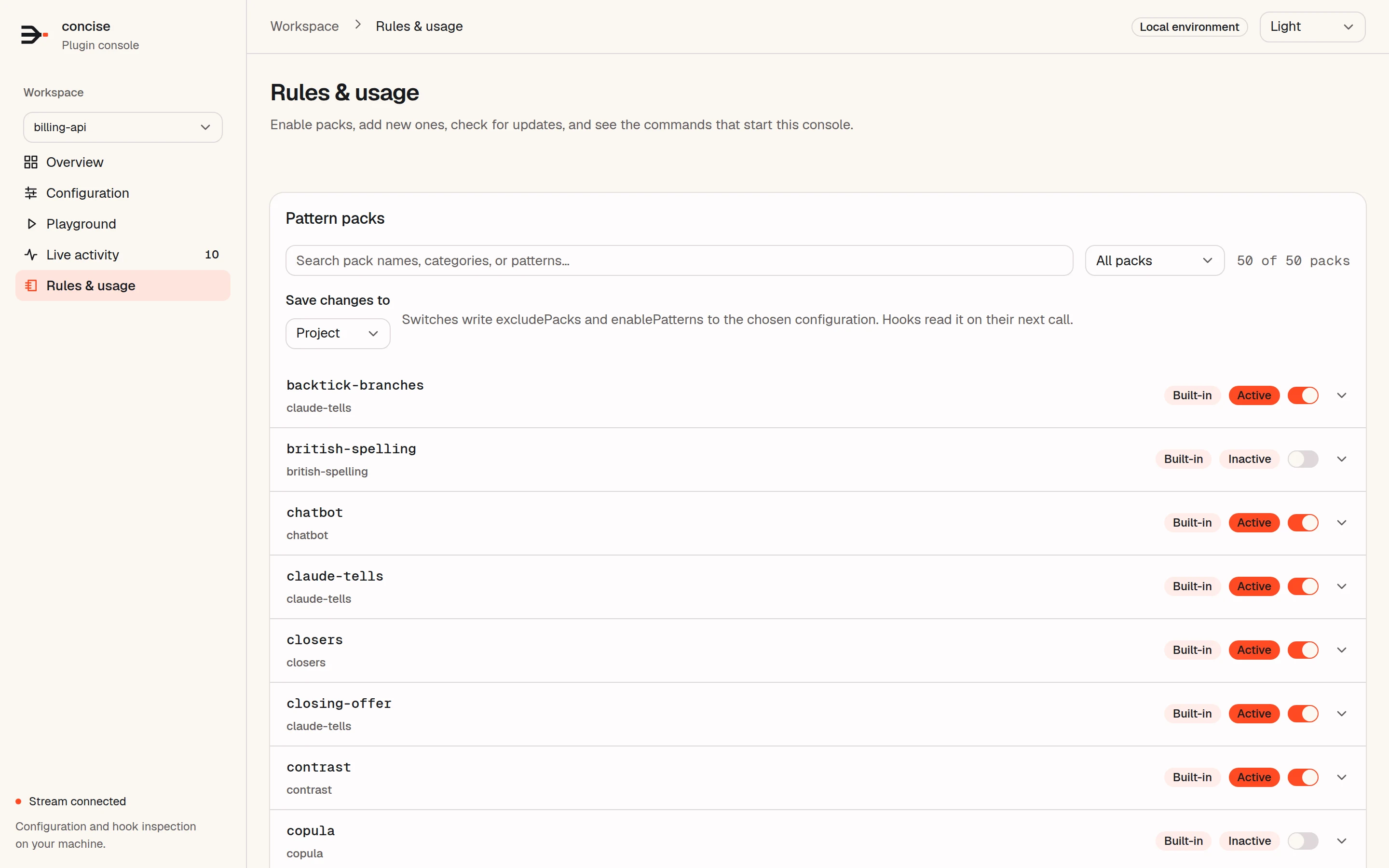
Rules & usage
Switch pattern packs on and off for a project or for your user settings, or add your own.
npm install -g @yannelli/be-concise
concise-web --all
Start it in your terminal.
Local by default. The console listens on 127.0.0.1 with an access token for each run. It stops when you press Ctrl+C.
One console for all projects. With --all, it follows each project that your hooks saw. Without it, it watches one folder.